
SaaS sprawl is the uncontrolled growth of software subscriptions across a company. It shows up as duplicate tools, unused licenses, forgotten renewals and business data spread across vendors nobody fully tracks. The fix is a single SaaS inventory, a regular usage review and a clear decision for each tool: cut, consolidate or consider replacing.
Every subscription starts with a good reason. A team needs a tool, the trial works, a card gets charged. A few years later, the company pays for dozens of overlapping products, and nobody can say how many are still in use.
This guide, current as of November 2026, explains why SaaS sprawl grows and what it really costs. It then shows how to run a SaaS audit: build an inventory, find unused SaaS licenses and duplicates, assign ownership and decide what happens to each tool.
Key takeaways
- SaaS sprawl is a visibility problem first and a cost problem second.
- The cost goes beyond licenses: offboarding gaps, scattered personal data and integrations nobody owns.
- A SaaS inventory pulls data from finance, identity systems and contracts into one register.
- Unused licenses show up when paid seats are compared with real logins and feature use.
- SaaS management needs shared ownership: IT, finance, security and a business owner for every tool.
- Every tool ends in one of three baskets: cut, consolidate or consider replacing.
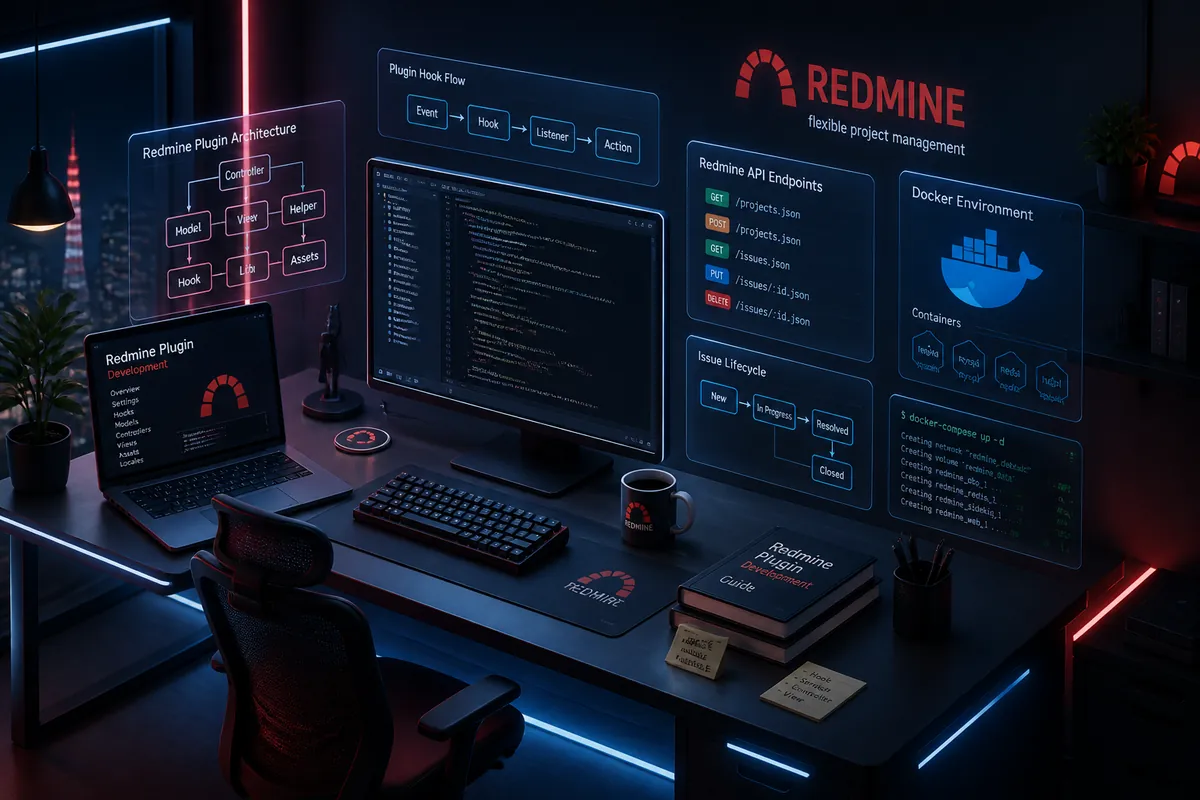
- Azati runs project tracking, time logging and leave management for its 380+ person team on one owned platform instead of several separate tools.
What is SaaS sprawl?
SaaS sprawl is what happens when software subscriptions multiply faster than anyone manages them. It rarely looks dramatic. It looks like three project trackers, two e-signature tools and a design suite paid for people who left last year.
| Form of SaaS sprawl | What it looks like | Main risk |
|---|---|---|
| Unused licenses | Paid seats with no logins for months | Direct waste |
| Duplicate tools | Several products for the same job in different teams | Waste and fragmented data |
| Orphaned accounts | Access left open after people leave | Security and data exposure |
| Forgotten renewals | Contracts that renew automatically, unnoticed | Locked-in spend |
| Unknown tools | Subscriptions bought outside IT and procurement | Compliance gaps |
Why does SaaS sprawl grow?
SaaS sprawl grows because buying software became as easy as buying office supplies. A team lead can subscribe with a corporate card in minutes. The cost then appears as a small line in an expense report, not as a procurement request.
- Self-service buying. Free trials convert to paid plans automatically. Tools bought this way, outside IT, are often called shadow IT.
- Departmental budgets. Each team optimizes for its own work, not for the company stack.
- Missing offboarding. Seats stay paid after people change roles or leave.
- Bundles and upgrades. New modules and AI add-ons arrive with renewals.
- Mergers and reorganizations. Two companies bring two sets of tools for the same jobs.
The overall budget keeps growing too. Gartner forecasts worldwide software spending of about $1.47 trillion in 2026, 15.5% more than a year earlier. The forecast was presented in July 2026 by Distinguished VP Analyst John-David Lovelock. Without control, a growing share of that spend goes to tools nobody needs.
What does SaaS sprawl cost?
The license bill is only the visible part. SaaS sprawl also creates costs that rarely appear in a budget line.
- Security. Every forgotten account is an open door, and offboarding becomes harder with each new tool. The basics of data security in online services only work when the tools are known.
- Compliance. Under the GDPR, each tool that processes personal data needs a processor contract (Article 28). It also needs a place in the records of processing activities (Article 30). Unknown tools mean unknown processing.
- Data fragmentation. Customer, project and employee data spread across many products, with no single source of truth.
- Integration debt. Connectors between tools break silently and nobody owns them.
- Dependence. Each tool adds its own risk of vendor lock-in.
Basic data protection hygiene, covered in why GDPR compliance matters, becomes much harder when nobody knows which tools hold personal data.
How to build a SaaS inventory
A SaaS inventory is a single register of every subscription. No single source shows the whole picture, so the inventory combines several:
- Finance data. Invoices, card statements and expense reports show what the company actually pays for.
- Identity data. Single sign-on and directory logs show which tools people log in to.
- Contracts. Procurement and legal records show terms, notice periods and renewal dates.
- Team owners. A short survey of department heads fills the gaps and names an owner for each tool.
Each tool in the register needs the same fields, so tools can be compared:
| Field | Why it matters |
|---|---|
| Business owner | Someone accountable for the tool and its renewal |
| Annual cost and pricing model | Basis for every cost decision |
| Paid seats and active users | Shows unused SaaS licenses |
| Purpose and overlapping tools | Shows duplicates |
| Data held, including personal data | Shows compliance and exit risk |
| Integrations | Shows what breaks if the tool goes |
| Renewal date and notice period | Shows when a decision is still possible |
How to find unused SaaS licenses and duplicates
Unused SaaS licenses appear when paid seats are compared with real activity. Three checks find most of them:
- Seats against logins. Seats with no login over a set period, such as 90 days, are candidates for removal.
- Logins against feature use. Users who only view data may fit a cheaper plan or a shared report.
- Tools against purpose. Grouping tools by job, such as project tracking or file sharing, shows where several products do the same thing.
Duplicates are not always waste. Two tools can serve different needs in different teams. The register shows the overlap; the business owners decide which tool stays.
Who should own SaaS management?
SaaS management is the ongoing practice of tracking, governing and optimizing software subscriptions across their life cycle, from purchase to renewal or exit. It fails when it belongs to everyone and therefore to no one. It works when each role has a clear part:
| Role | Responsibility |
|---|---|
| IT | Runs the inventory, access and offboarding |
| Finance | Tracks spend, budgets and cost per active user |
| Procurement and legal | Own contracts, renewals and exit terms |
| Security and data protection | Review tools that hold sensitive or personal data |
| Business owner of each tool | Confirms the need, usage and renewal decision |
New tools follow the same path: a short review before purchase, a named owner and an entry in the register. The same discipline applies to tools teams build themselves with AI, as described in generative AI governance. Without it, internal apps sprawl as fast as subscriptions and turn into code nobody can maintain.
Cut, consolidate or consider replacing: how to reduce SaaS sprawl
After the inventory and usage review, every tool lands in one of three baskets.
| Basket | When it applies | Next step |
|---|---|---|
| Cut | Few active users, duplicate of a better tool, no critical data | Cancel before renewal, export data, close accounts |
| Consolidate | Several tools for the same job | Choose one standard, migrate users, renegotiate volume |
| Consider replacing | High per-seat cost, most users need a small part, company-specific workflow | Compare the cost of keeping and replacing over three years |
Leaving a provider has also become easier in the EU. Under the Data Act, a cloud or SaaS provider cannot require more than two months’ notice to start switching. Switching charges are removed from 12 January 2027.
The third basket often holds the biggest savings and needs the most care. A SaaS cost audit compares a three-year cost of keeping the tool with building or buying an alternative. Owned software has running costs too, outlined in the cost of maintaining an application. The method is explained in build vs buy software, and the market context in Is SaaS dead?.
How often should a company review its SaaS stack?
A SaaS stack review works best as a rhythm, not a one-off project.
- Every quarter: check usage, remove unused seats and add new tools to the register.
- At least 90 days before each renewal: confirm the need, the plan and the price while cancellation is still possible.
- Once a year: review the full stack, the three baskets and the replacement candidates. A SaaS replacement assessment puts a three-year cost on each candidate.
How Azati helps with SaaS sprawl
A SaaS cost audit, tool by tool
Azati starts SaaS replacement projects with an audit of the SaaS portfolio: usage and license data, overlap between tools, a three-year TCO for each option and a cut, consolidate or replace recommendation for each tool. Where replacement wins, Azati prepares the data and delivers the new software, from build and data migration to decommissioning of the old subscription.
Consolidation inside Azati
Azati applies the same approach to its own tools. A separate leave spreadsheet, a standalone tracker and project management now run in one company-owned platform for a 380+ person team. Azati is also moving CRM functionality from a third-party SaaS product into its internal AI-first platform.