Multi-Document Engineering Drawing AI: P&ID, Electrical, HVAC & Fire/Gas

How do you train one AI pipeline to recognize instruments and equipment across four completely different kinds of engineering drawings?

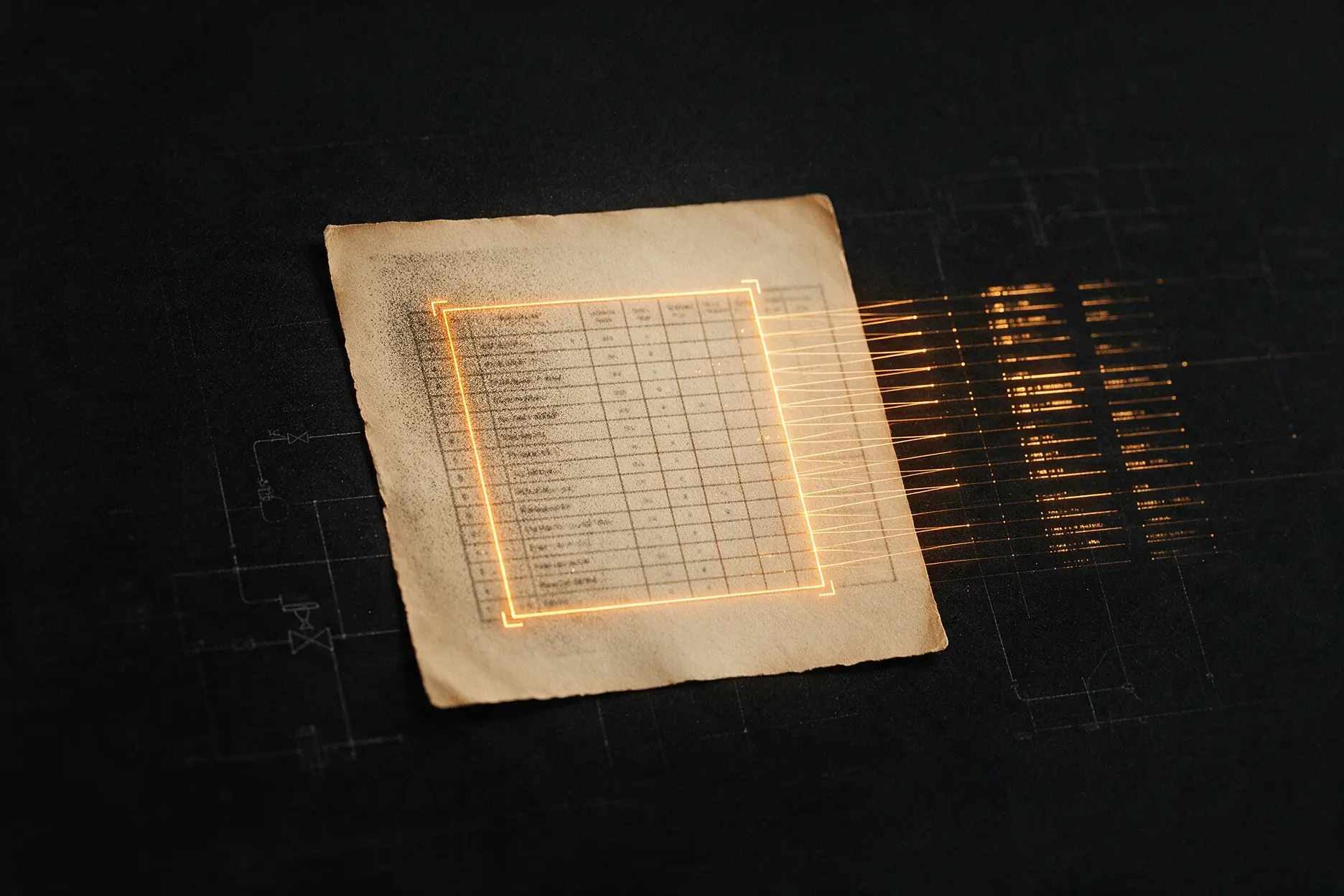
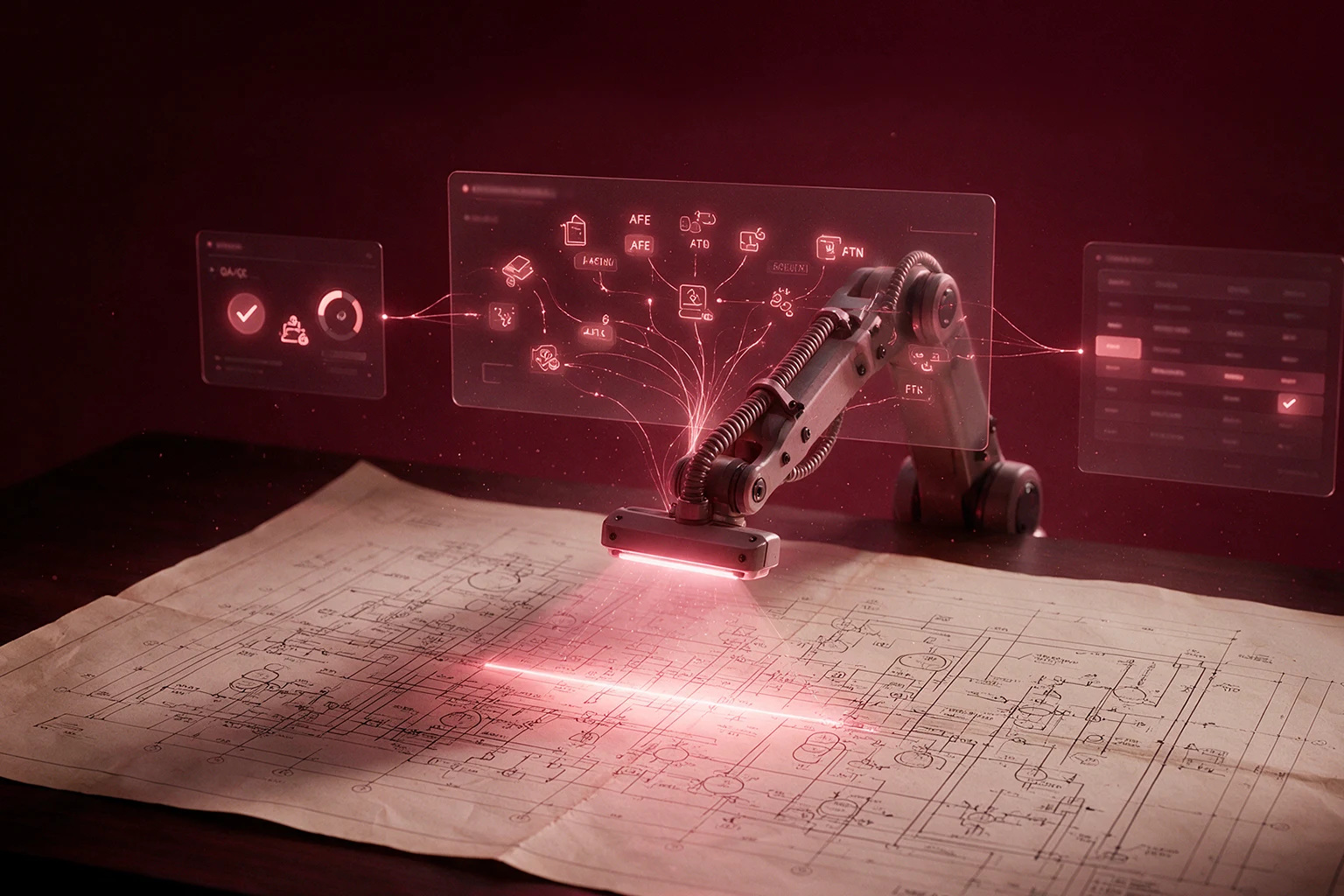
A refining and petrochemical operator was extracting equipment tags and attributes from engineering drawings by hand, across four structurally different document types: P&ID, fire and gas loop diagrams, HVAC schematics, and electrical one-line diagrams. Azati built a computer vision and OCR pipeline that detects objects, matches tags, classifies equipment, and extracts attributes automatically, packaging the result for direct upload into the client's engineering data platform.

Digitize my drawing archive
4

structurally different drawing types recognized by one pipeline: P&ID, fire and gas, HVAC, electrical

15

months from first annotation task to a working production pipeline

Dedicated

team spanning development and data annotation

Technologies used

Python
Python
PyTorch
PyTorch
PyTorch Lightning
PyTorch Lightning
Ultralytics YOLO
Ultralytics YOLO
SAHI
SAHI
MMDetection
MMDetection
FastAPI
FastAPI
OpenCV
OpenCV
CVAT
CVAT
Gradio
Gradio
Pydantic
Pydantic
NumPy
NumPy
pandas
pandas
Ray Serve
Ray Serve
Docker
Docker
Amazon S3
Amazon S3

Motivation

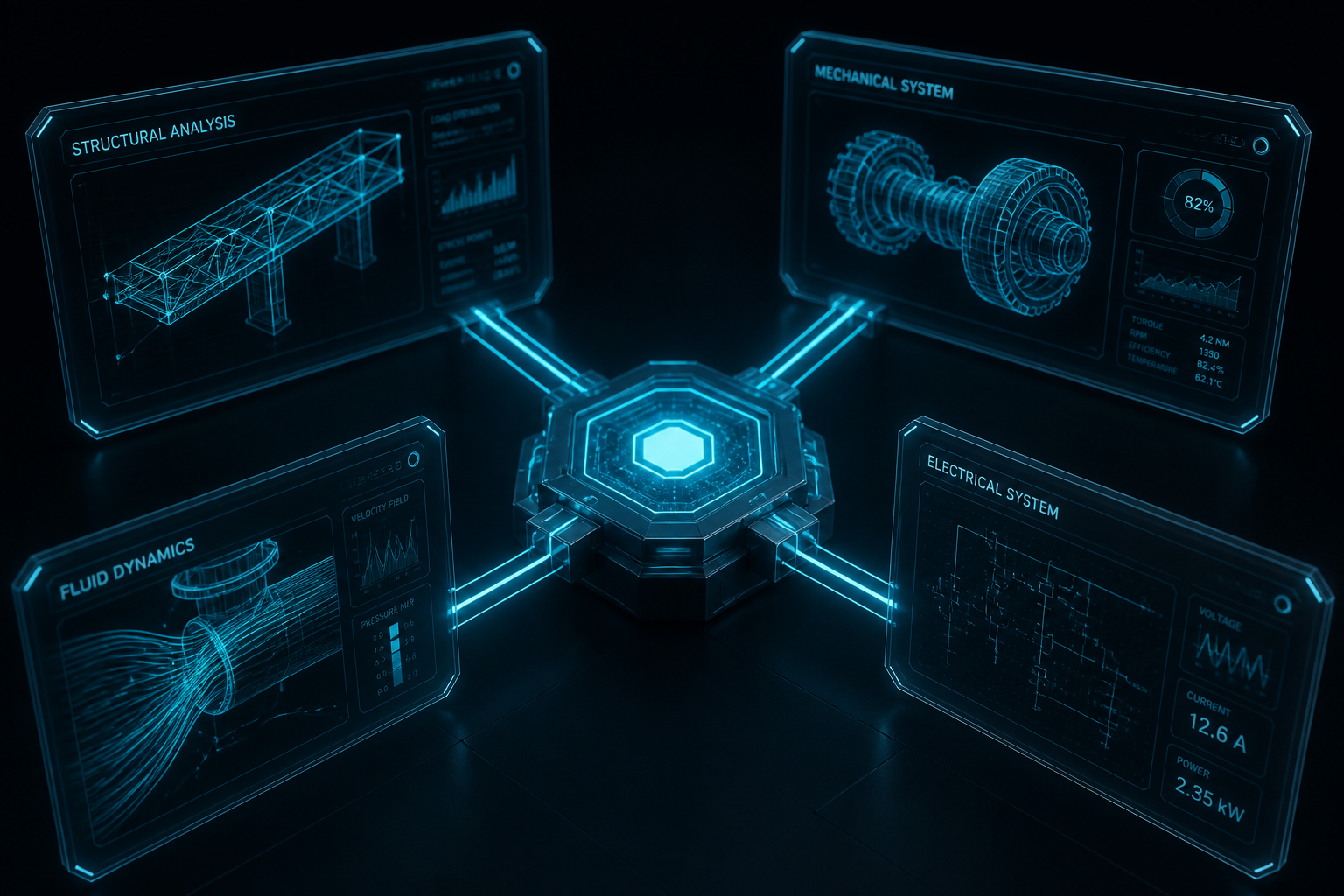
Four kinds of drawings, one document archive, zero shared logic between them. P&ID sheets show piping, valves, sensors, and pumps. Fire and gas diagrams trace how detectors, buttons, and sirens wire back to junction boxes. HVAC schematics map ductwork, dampers, and control panels. Electrical one-line diagrams lay out unit-level power distribution. An operator running a refining and petrochemical facility had all four types accumulating for years, and every equipment tag, every attribute, every connection inside them existed only on paper or scanned PDF, read one drawing at a time by an engineer.

Azati built the system that reads them instead: detects the objects, matches the tags that label them, classifies what they are, pulls their attributes, and packages the result for upload into the client's engineering data platform, across all four drawing types, in one pipeline.
What makes four drawing types harder than one?

Challenge 01

No symbol library carries over between drawing types

A model trained on P&ID valves and instrumentation has nothing useful to say about a fire and gas loop diagram or an electrical one-line schematic. Each document type has its own conventions, its own tagging logic, its own layout rules:

  • Separate symbol libraries and tagging conventions per drawing type
  • P&ID equipment logic unrelated to fire and gas loop topology
  • HVAC ductwork and control panel symbols with no electrical equivalent
  • Each document type demanding its own detection and classification handling
#1
Challenge 02

Symbols small enough to disappear, drawings large enough to hide them

A single equipment symbol can occupy a tiny fraction of a full-page engineering drawing, and standard object detection models lose accuracy fast at that scale. Detecting a valve, an instrument, or a junction box reliably meant treating small-object detection as a first-class problem, not an edge case:

  • Individual symbols occupying a small fraction of high-resolution drawings
  • Standard detection accuracy degrading sharply at that scale
  • Small-object detection needed as core architecture, not a workaround
#2
Challenge 03

Tags that don't behave like normal text

Engineering tags show up handwritten, rotated, curved along a pipe run, or stamped in inconsistent fonts. Conventional OCR, built for clean printed pages, misreads or drops them outright:

  • Handwritten and rotated tags breaking standard OCR assumptions
  • Text curved along pipe or duct runs, not laid out in straight lines
  • Inconsistent fonts and stamping styles across contractor drawings
  • Text detection and recognition needing separate, purpose-built models
#3
Challenge 04

Look-alikes, rare cases, and PDFs that fight back

Some equipment symbols look nearly identical but represent completely different components. Other object classes appear so rarely across the archive that the model barely sees enough examples to learn them. And a meaningful share of the source PDFs were simply low quality:

  • Visually similar symbols representing functionally different equipment
  • Rare object classes at real risk of being missed during training
  • Low-quality scans and PDFs degrading detection and OCR accuracy alike
  • Annotation batches delivered on tight, multi-day turnarounds throughout
#4

Why operators trust Azati with multi-document engineering AI

Breadth most vendors don't attempt

Most engineering document AI projects handle one drawing type well and stop there. This system had to work across four incompatible symbol libraries and tagging conventions inside a single production pipeline, not as four separate tools stitched together after the fact.

Built by people who work in ML every day, not just this project

The models behind this pipeline, YOLO, SAHI, TextBPN++, TrOCR, PARSeq, aren't exotic choices picked for one engagement. They reflect a team that treats computer vision and OCR as a discipline, matching the right architecture to the actual failure mode rather than reaching for a generic off-the-shelf model and hoping it holds.

Domain accuracy, not just visual accuracy

Classifying against ISA reference standards and internal catalogs, rather than trusting the model's visual best guess alone, is what let the pipeline correctly separate symbols that look nearly identical but represent different equipment. Visual confidence and engineering correctness aren't the same thing, and the pipeline was built to check both.

Delivery paced to a real annotation workflow

Tight multi-day turnarounds, rare object classes at real risk of being missed, PDFs of inconsistent quality. The team built and tuned the pipeline against the actual conditions annotation specialists worked under, not an idealized dataset.

Sitting on multiple types of engineering drawings nobody can search?

P&ID, fire and gas, HVAC, electrical, or something else entirely, Azati has built the object detection and classification pipeline to make all of it machine-readable. Let's talk about your archive.

Digitize my drawing archive

How the pipeline turns a PDF into structured engineering data

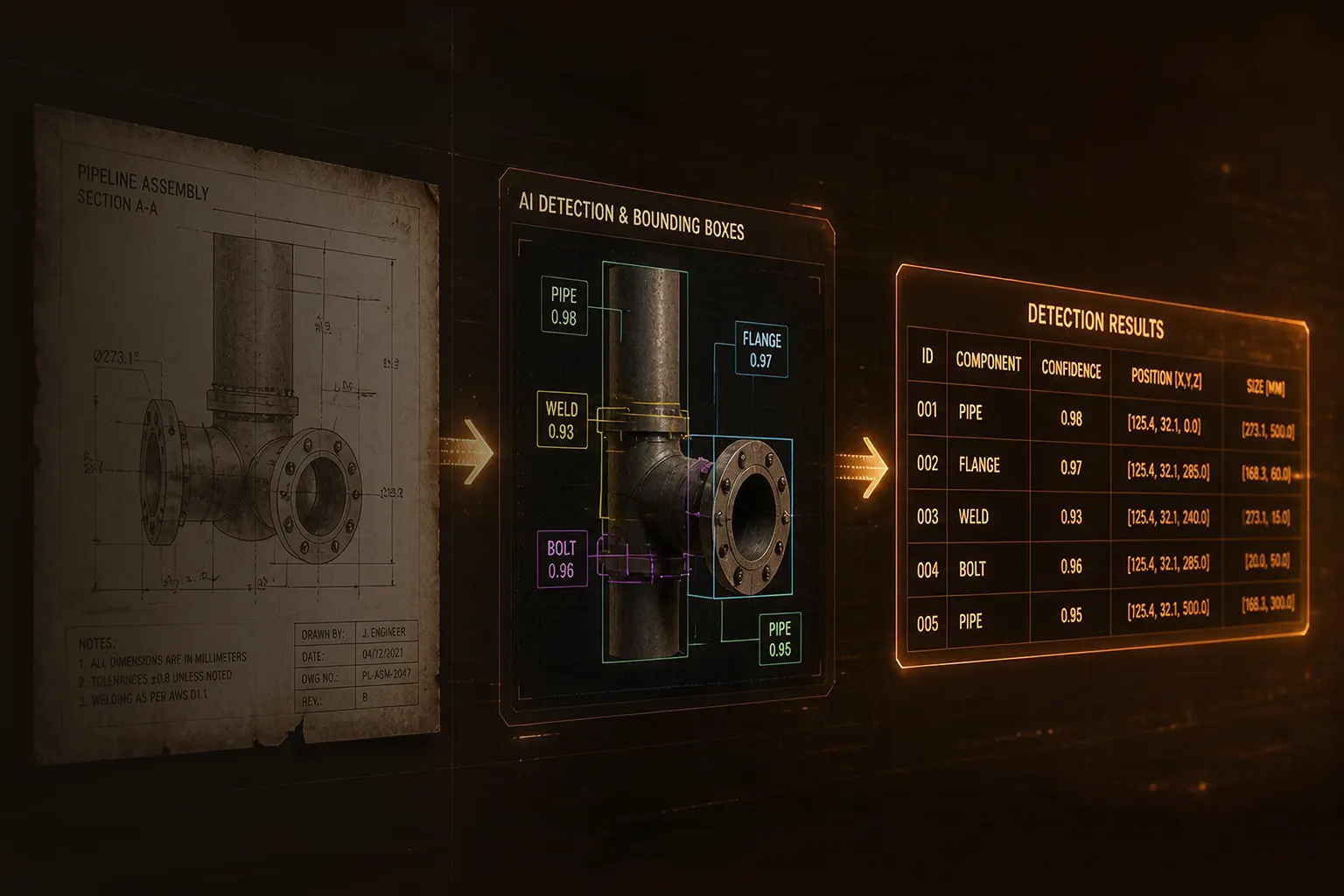
Nine stages, one continuous flow: a PDF goes in, a structured, upload-ready export comes out, and an engineer never has to manually transcribe a tag again.

01

PDF ingestion and page conversion

Uploaded PDFs are converted page by page into high-resolution images, the format every downstream detection and recognition model in the pipeline actually works against.

Key capabilities:
  • Multi-page PDF ingestion
  • High-resolution page-to-image conversion
  • Format normalization across source document quality levels
02

Text extraction and object detection

This is where the drawing gets read for the first time: text pulled off the page, symbols located regardless of size, and every tag identified as a distinct object rather than noise on a busy sheet.

Key capabilities:
  • OCR-based text extraction across page content
  • YOLO object detection with SAHI for small symbols
  • Detection tuned per drawing type: P&ID, fire and gas, HVAC, electrical
03

Tag matching and object classification

Text and symbols found in the previous stage now get connected and resolved: which tag belongs to which object, and what that object actually is once checked against engineering reference data rather than appearance alone.

Key capabilities:
  • Tag-to-object matching across drawing layouts
  • ML-based object classification
  • ISA standard and reference catalog cross-referencing
  • Disambiguation of visually similar symbol classes
04

Attribute extraction and final packaging

Once an object is classified, the pipeline extracts its engineering attributes, runs final validation and preprocessing, and packages the complete result into a structured export formatted for direct upload into the client's engineering data platform.

Key capabilities:
  • Attribute extraction per classified object
  • Final validation and preprocessing
  • Structured export generation for platform upload
  • End-to-end traceability from source drawing to output record

What Azati built

AreaWhat was delivered
Object detectionYOLO and SAHI-based detection tuned for small symbols on dense drawings
Text recognitionTextBPN++, TrOCR, and PARSeq for handwritten and irregular engineering tags
ClassificationML models cross-referenced against ISA standards and reference catalogs
Attribute extractionAutomated attribute assignment per classified object
Multi-document supportOne pipeline covering P&ID, fire and gas, HVAC, and electrical drawings
Data annotationCVAT-based annotation across roughly seven task batches
Output packagingStructured export ready for direct platform upload

Security

The engagement runs entirely on dedicated servers within isolated infrastructure, with access restricted to the project team. Source drawings, annotation data, and trained models never leave that controlled environment.

Team composition

A dedicated team combining engineering, model development, and hands-on annotation, small enough to move fast, structured enough to handle four drawing types in parallel.

  • Team Lead overseeing delivery and coordinating priorities across development and annotation workstreams.
  • Developers building the detection, classification, and pipeline infrastructure, and issuing structured annotation tasks.
  • Data Annotation Specialists labeling objects, tags, and attributes across all four drawing types in CVAT, under tight turnaround windows.

What changed once the pipeline went live

Four drawing types, one system

Instead of separate manual processes for P&ID, fire and gas, HVAC, and electrical drawings, one pipeline now handles all four under a shared architecture, without four separate teams or four separate tools to maintain.

Tags and attributes extracted, not transcribed

Equipment that used to require an engineer reading a drawing and typing values into a system now gets detected, classified, and attributed automatically, with an engineer reviewing structured output instead of producing it from scratch.

Rare and small don't mean invisible anymore

Long-tail equipment classes and tiny symbols that a generic detector would routinely miss are now caught reliably, closing exactly the gap that made this project hard in the first place.

Output that's usable on day one

The final export packages directly for upload into the client's engineering data platform, so the pipeline's result becomes working engineering data immediately, not a file that still needs manual reformatting before anyone can use it.

Strategic wins

What this engagement demonstrates:

Coverage beats generalization

There is no such thing as a model that "understands engineering drawings" in the abstract. There are models trained for P&ID conventions, models trained for electrical notation, and so on. Real multi-document coverage comes from building for each convention deliberately, not from hoping one architecture generalizes across all of them.

The hard 20% is where the value lives

Reading clean, large, well-printed text on a well-scanned drawing was never the problem. The problem, and the value, was in the small symbols, the handwritten tags, and the rare equipment classes that generic tools skip past. That's the 20% worth building custom architecture for.

Annotation reality shapes the model as much as the architecture does

A pipeline is only as good as the data it learns from, and that data came out of real annotation work under real time pressure. Designing the pipeline with that constraint in mind, rather than assuming a clean, idealized dataset, is what kept accuracy holding up in production.

The described expertise is relevant for

  • AI object detection across multiple engineering drawing types
  • P&ID, fire and gas, HVAC, and electrical diagram digitization
  • Small-object detection for dense, large-format technical drawings
  • Scene text recognition for handwritten and irregular engineering tags
  • Equipment classification against ISA standards and reference catalogs
  • Structured data export for engineering platform integration
  • Large-scale data annotation workflows for computer vision training

Last updated

Got a job for Azati? Let’s talk business!

This site is protected by reCAPTCHA and the Google Privacy Policy and Terms of Service apply.

What's next?

  • 1. Tell Us Your Story
    Describe your project. We come back within 24 hours with team availability and a rough plan. NDA on request before the first call.
  • 2. Get Your Roadmap
    Receive a detailed proposal with scope, team composition, timeline, and costs tailored to your goals.
  • 3. Start Building
    Azati aligns on details, finalize terms, and launch your project with full transparency.